
TL;DR
- How it works: guests pick up a vintage-style phone, a built-in screen records them automatically, and they hang up to save.
- Best ideas: give guests a prompt, encourage group messages and put the phone in a quiet, well-lit corner.
- Not just weddings: it works for milestone birthdays, engagements, anniversaries and work farewells.
- Afterwards: clips arrive as an online gallery, typically within a week, ready to share or save for an anniversary.
- Price: Ghost Booth Events retro video guest book hire starts from $350.
The best video guestbook ideas give guests a reason to talk and a comfortable place to do it. A good prompt, a quiet corner with decent light, and permission to be silly or sincere will get you far more (and far better) clips than a phone left on a table with no context.
Below are setup ideas, prompt banks for different events and ways to use the clips afterwards, all built around how our retro video guest book actually works.
How a retro video guest book works
It helps to know the mechanics before planning around them.
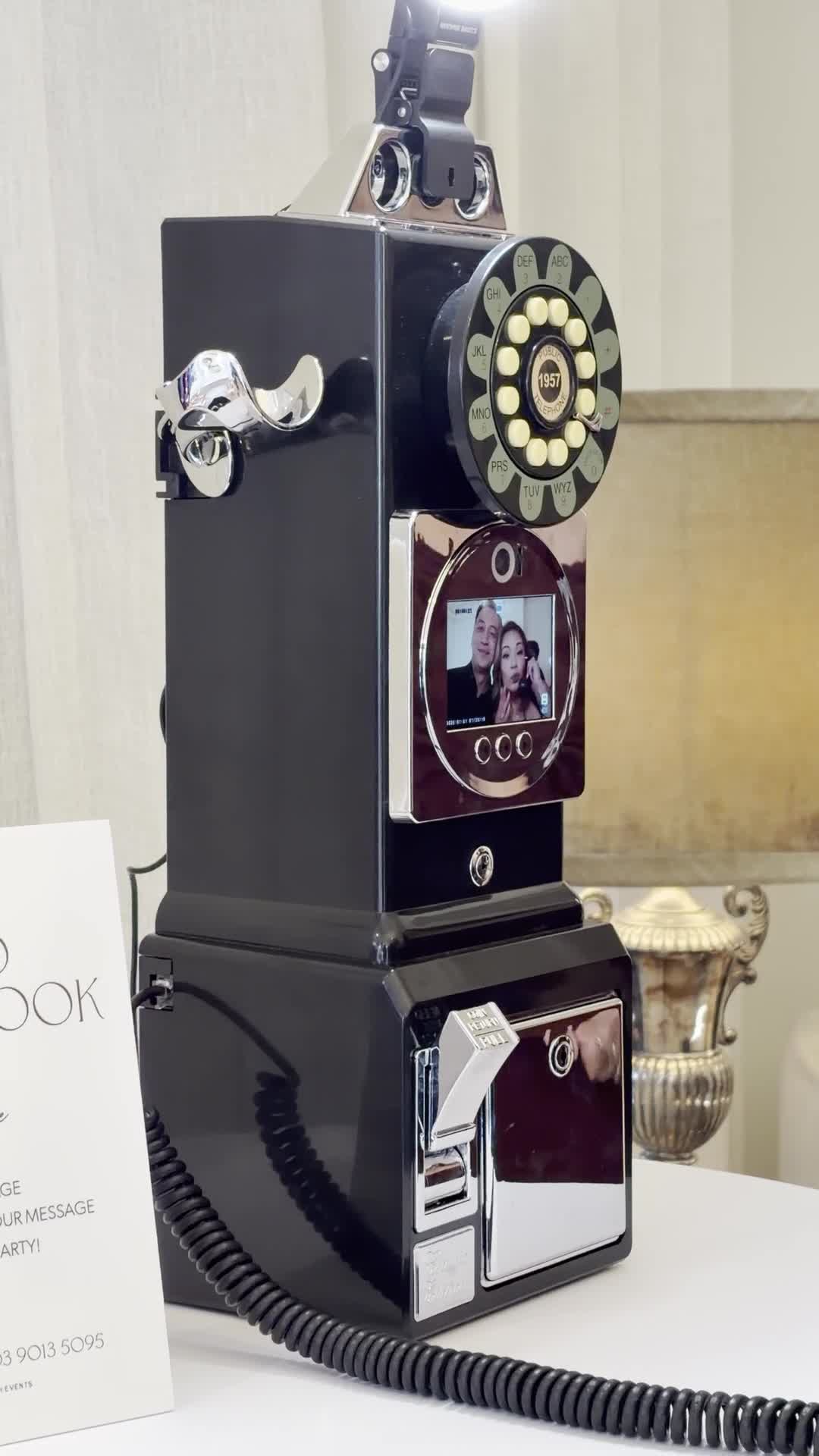
- It is a vintage-style phone with a built-in screen. It is the same style of phone as our audio guestbook, so the experience feels familiar.
- Recording starts automatically. When a guest picks up the handset, the screen starts recording. There are no buttons or prompts to work out.
- Guests see themselves. They watch themselves on screen as they talk.
- Hang up to save. That is the only instruction guests need, and it is printed on the “Video Guestbook” card placed beside the phone.
- No power point, no Wi-Fi. It is fully self-contained and portable, so it can be set up anywhere at your venue.
- Unlimited messages. Every clip is delivered as an online gallery after the event, with timing confirmed at booking, typically within a week.
That last-but-one point is what unlocks most of the setup ideas below: because you are not tied to an outlet, you can put the phone exactly where it will work best.
Setup ideas
1. Find the quiet corner
A foyer, a lounge, a breakout room or a covered alcove off the main room works best. Guests relax on camera when they are not being watched by a queue or competing with the DJ. That moment of privacy is what produces longer, more genuine messages.
2. Light the face, not the back of the head
Since guests are on camera, light matters. Avoid placing the phone with a bright window or a spotlight directly behind where guests will stand, or every clip becomes a silhouette. Soft light from the front or side, such as a lamp or a cluster of LED candles, is more flattering.
3. Make it a styled moment
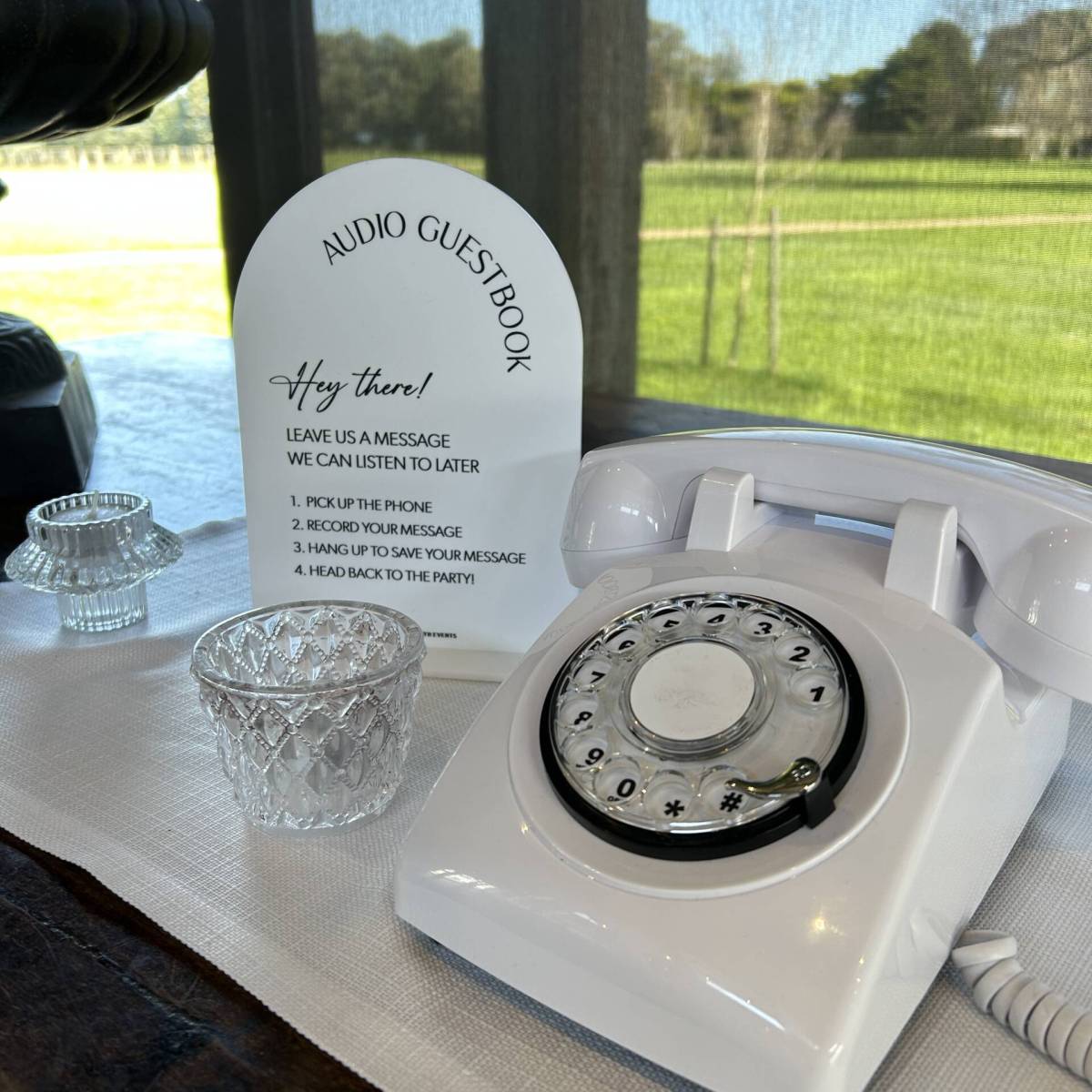
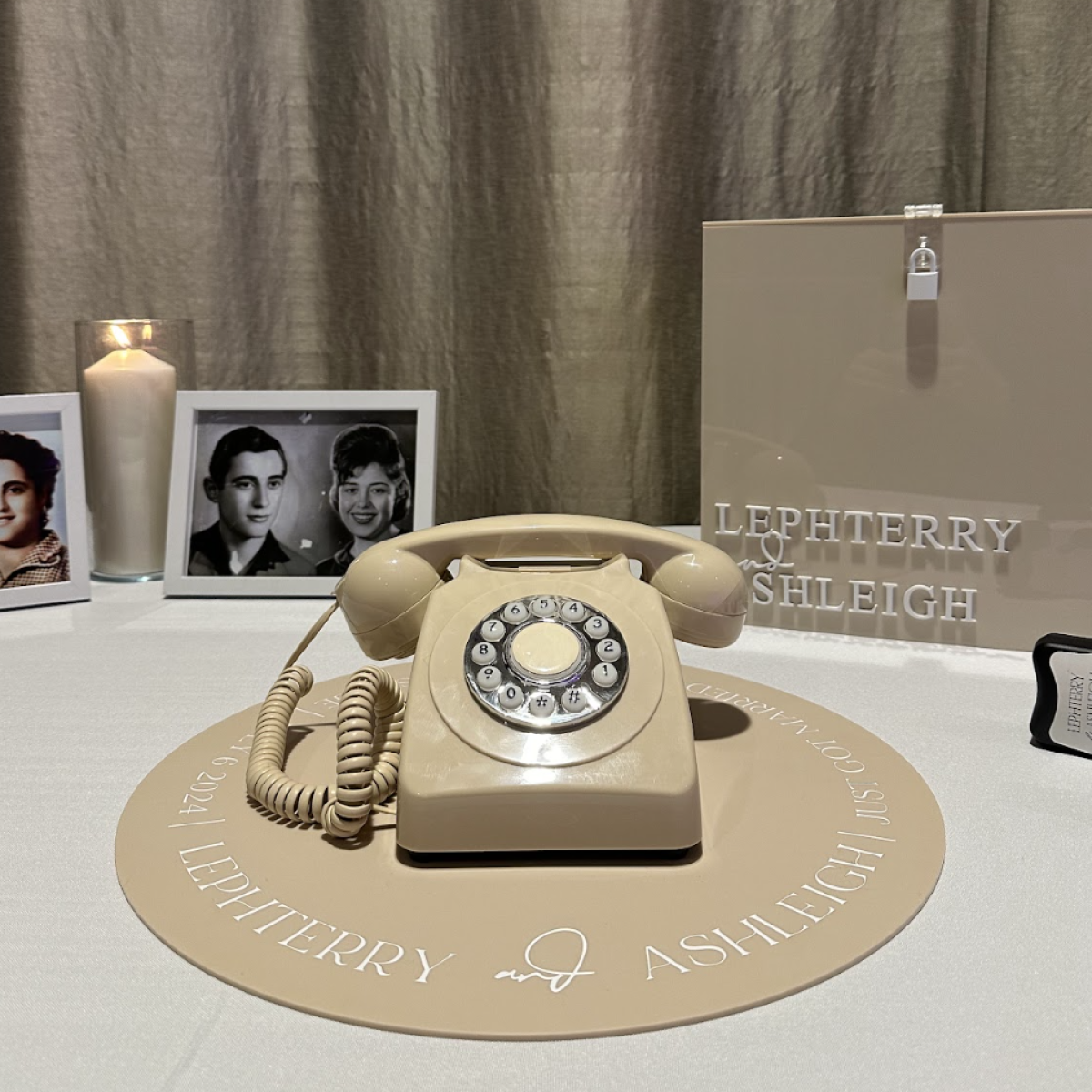
A small table, a bud vase, a framed sign in your wedding font and the phone itself is enough. The point is to make it look like an invitation, not a piece of equipment. Some couples put it beside the guestbook table so guests sign the book and then record a clip.
4. Pair it with an audio phone for the camera-shy
Not everyone wants to be on video. Booking an audio guestbook as well gives shy guests an easy alternative, and bundled bookings are discounted. Place the two phones in separate spots so one queue does not crowd the other. Our audio vs video guestbook guide compares them in detail.
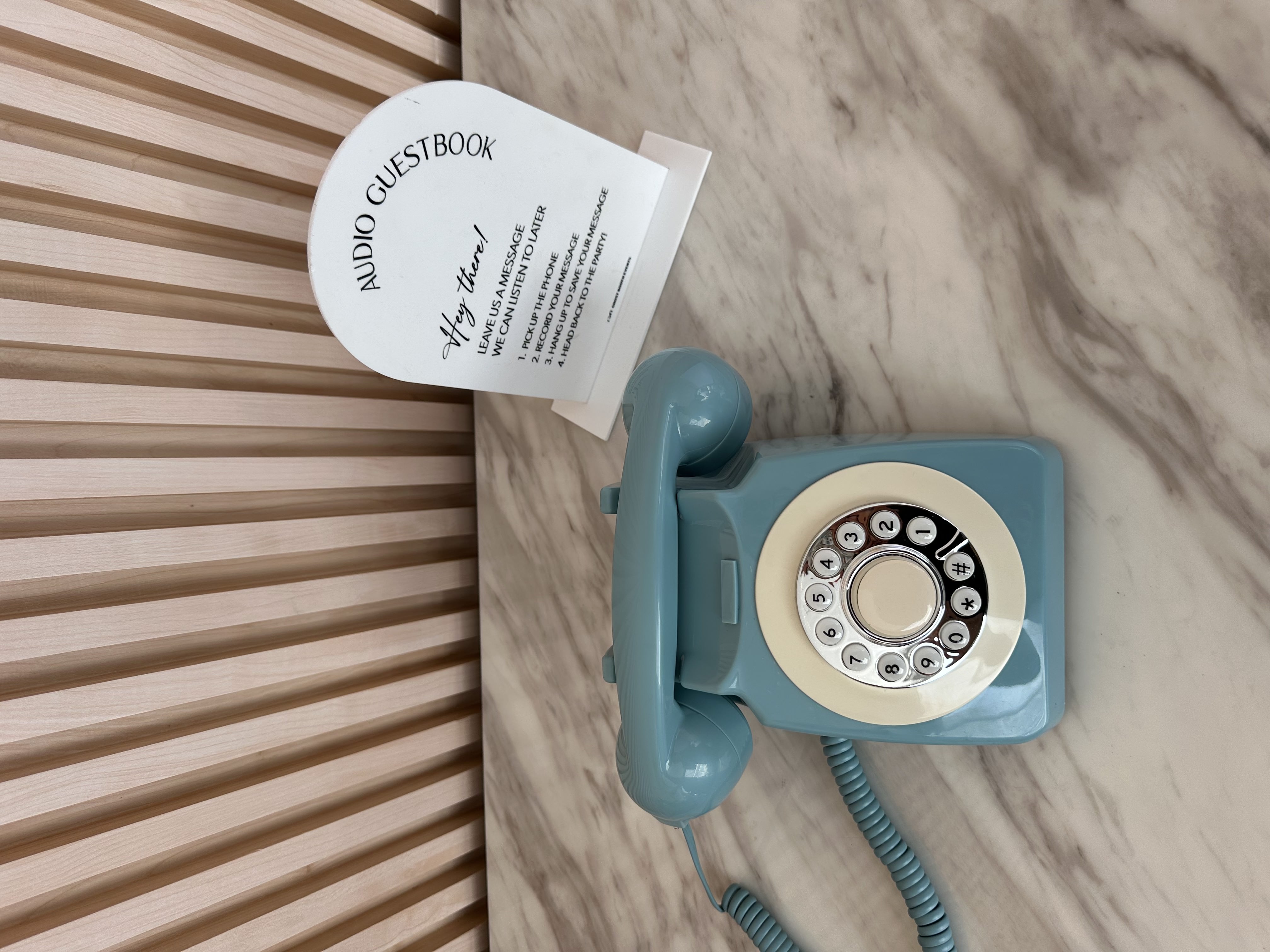
A baby blue audio guestbook phone: a good companion for guests who would rather not be on camera.
5. Add a prompt card beside the instruction card
The instruction card covers how. A prompt card covers what. Three or four prompts in a small frame stop the “um, so, congratulations” opening that eats the first ten seconds of many clips.
Prompt ideas for weddings
Pick three to five and print them on a card beside the phone. All are original and free to use.
- Tell us how you know us, in ten seconds or less.
- What is your best piece of marriage advice?
- Describe our relationship in three words.
- Predict where we will be on our tenth anniversary.
- Re-enact the moment you found out we were engaged.
- What song do we have to dance to tonight?
- Give us a toast you were too shy to give at the microphone.
- Show us your best dance move. Yes, now.
- Tell us a story about one of us that the other one has never heard.
Group challenges
Table groups recording joint messages are one of the most fun things the video phone captures. Encourage it with a line on the prompt card:
- “Grab your table and give us a group cheers.”
- “Bridesmaids and groomsmen: one take, one message, no rehearsing.”
- “Cousins only: sing us something.”
Children performing impromptu dances and old friends delivering tributes they would never say in a speech are exactly the moments a voice recording can only describe. Video shows them.
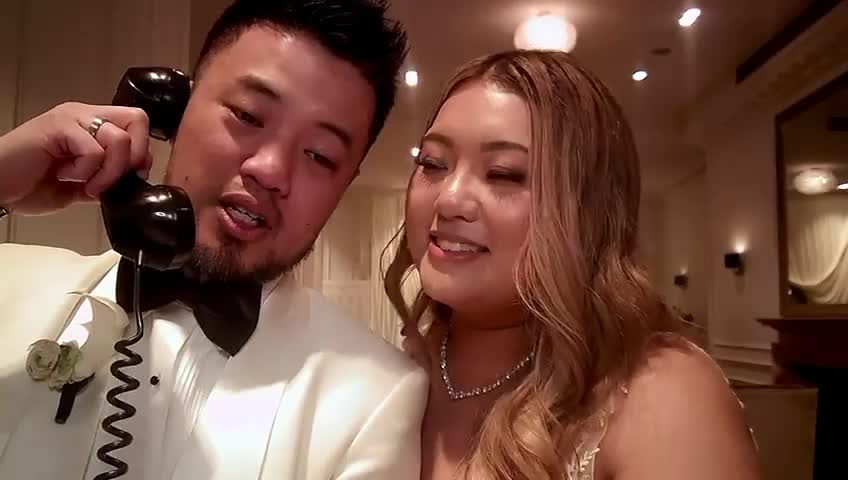
A frame from a real message recorded on our retro video guest book phone.
Prompt ideas for birthdays
Milestone birthdays (an 18th, 21st, 30th, 50th or beyond) suit video because guests span generations and friendship groups.
- What was [Name] like when you first met them?
- Share a story [Name] would rather you did not tell.
- What do you wish for them this year?
- Give them one piece of advice for the next decade.
- Guess what they will be doing on their next milestone birthday.
For party planning ideas, see our posts on 21st birthday ideas and 18th birthday party ideas.
Prompt ideas for work farewells and retirements
A farewell is the rare work event where people genuinely want to say something kind, but not necessarily in front of the whole office. A phone in a breakout room gives them the private moment to do it.
- What is your favourite memory of working with [Name]?
- What will the team miss most?
- What should they do with all their new free time?
- Pass on one thing they taught you.
- Wish them well in their next chapter.
Because the phone does not need a power point or Wi-Fi, it works in meeting rooms, function spaces and offices without asking facilities for anything. For bigger corporate occasions, see our corporate events and staff milestones and parties pages.
Prompt ideas for engagements and anniversaries
- Engagement: “What should they never argue about?” or “Your best wedding planning tip.”
- Anniversary: “Your favourite memory of them as a couple” or “What have they taught you about love?”
Our posts on engagement wishes and anniversary wishes have more lines guests can borrow.
Ways to use the clips afterwards
You receive every message as an online gallery you can download and share. A few ideas once it lands:
- The first-anniversary watch. Save the gallery unopened and watch it together on your first anniversary.
- A family share. Send relatives who could not attend a link to the clips they appear in or would love most.
- A highlights reel. Pull your favourite ten clips into a short edit for your wedding website or social media.
- A thank-you note hook. Reference something specific a guest said in their clip when you write their thank-you card.
- A time capsule. For birthdays and farewells, save the gallery and rewatch it at the next milestone.
Back the files up in at least two places. Video files are larger than audio, so a cloud folder plus an external drive is a sensible pair.
Getting more people to use it
Most of the advice for audio guestbooks applies here too: put it on a visible route, have your MC mention it, and get a couple of people to record early so others follow. Our guide on getting more guests to leave audio guestbook messages has an MC script and run sheet cues you can reuse for the video phone.
Booking a retro video guest book
Ghost Booth Events retro video guest book hire starts from $350, including the phone, signage and your online video gallery. It is discounted when bundled with a photo booth or audio guestbook booking, and delivered and collected with any photo booth, audio guestbook or content booking. Send us your date and venue through our enquiry form and we will confirm availability within 24 hours.
Video guestbook questions
What should guests say in a video guestbook?
Give them a prompt: a favourite memory, a piece of advice, a prediction for the future, or a toast they were too shy to give at the microphone. Group messages and silly challenges work well too, because video captures reactions as well as words.
Where should a video guestbook be set up?
A quiet corner such as a foyer, lounge or breakout room, away from speakers and the dance floor, with soft light on guests' faces rather than a bright window behind them. Our retro video guest book does not need a power point, so you are not limited to spots near an outlet.
Can a video guestbook be used at a work farewell or birthday?
Yes. It works at any event where guests want to leave a personal message, including milestone birthdays, engagements, anniversaries, retirements and work farewells. It needs no Wi-Fi or power point, so it suits offices and function rooms as well as wedding venues.
How do we receive the video messages?
Every clip is delivered as an online gallery you can download and share. Delivery timing is confirmed at booking and is typically within a week of your event.