
TL;DR
- Short answer: alphabetical is quicker for guests at most weddings because they only need to find their own surname.
- When table order wins: small weddings with a handful of tables, where guests enjoy seeing who they are sitting with.
- Best hybrid: bridal table first, everyone else alphabetical, with the table number beside each name.
- Late changes: moving a guest on an alphabetical chart changes one number; on a table chart the name moves blocks.
- No reprints: with a QR code seating chart, late RSVPs and table swaps are an update to the list, not a new sign.
For most weddings, an alphabetical seating chart is better: each guest scans for their surname, reads the table number beside it and moves on. A chart grouped by table works well for smaller weddings and lets guests see who they are sitting with, but it makes everyone search every table for their own name.
Which one is right for you depends on your guest count, how well your guests know each other, and how much your seating is likely to change after the sign is printed. Here is how to decide, and how to lay out whichever one you choose.
The two formats at a glance
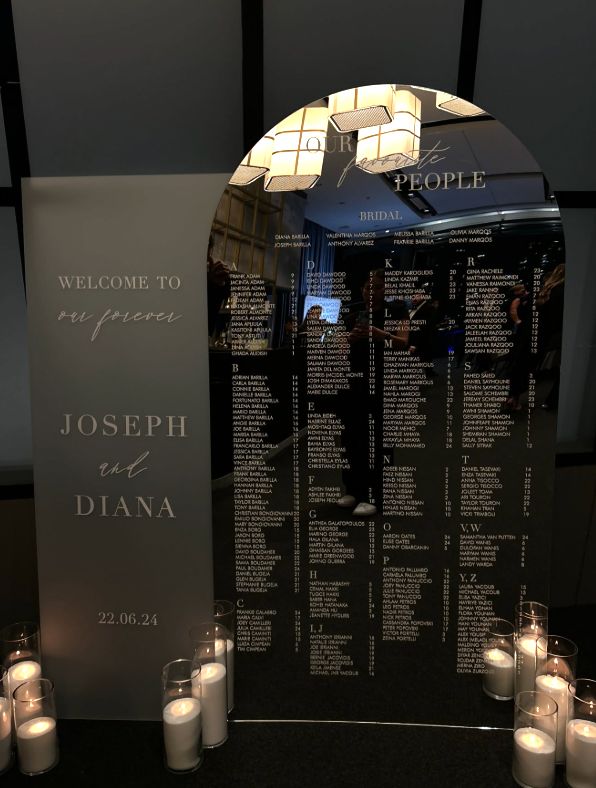
Alphabetical: every guest is listed by surname from A to Z, with their table number beside their name. The bridal table is often listed first, at the top.
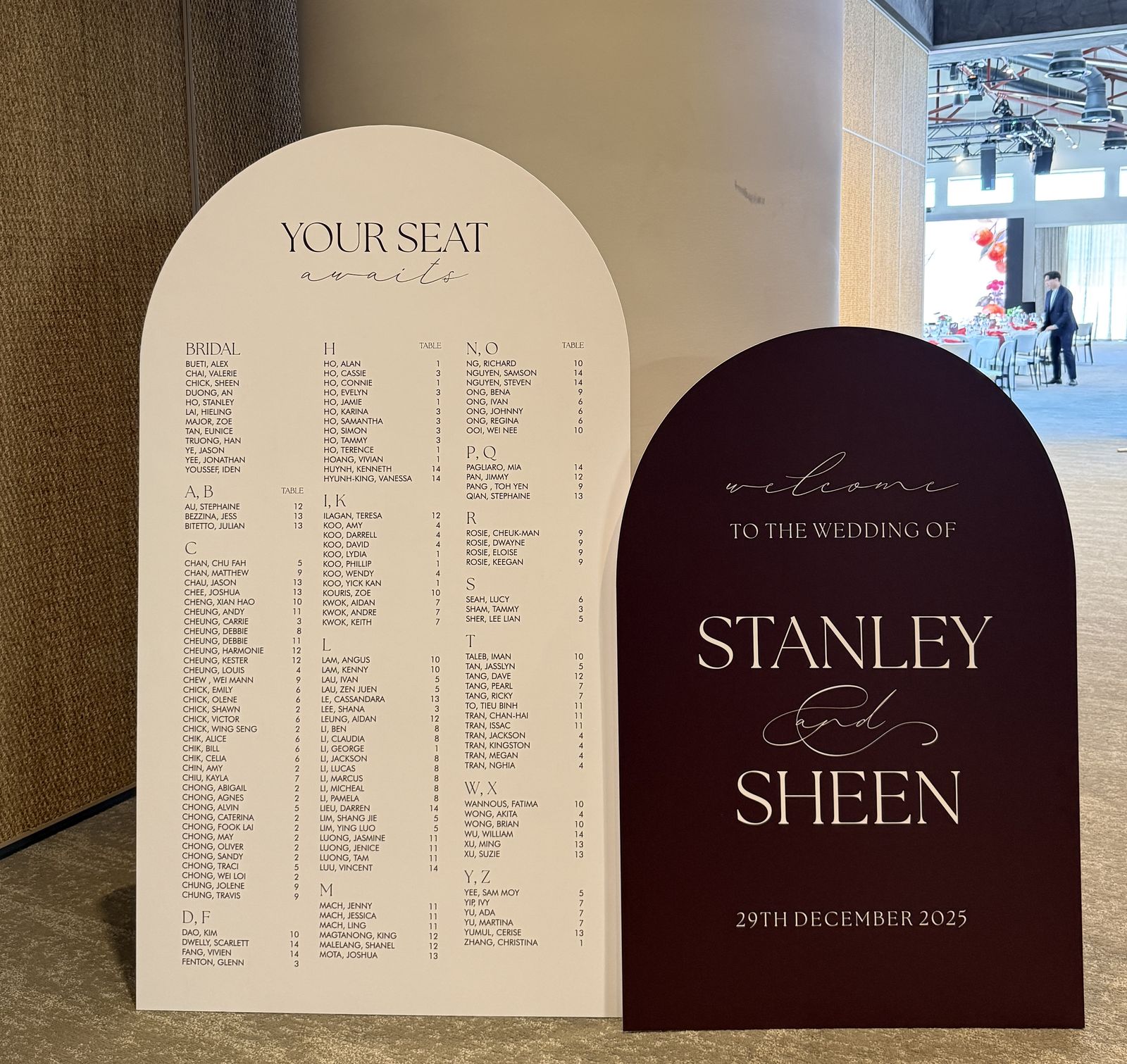
An alphabetical chart, surname first, with a separate table column. Long runs of shared surnames sit together under one letter.
By table: each table has its own heading (Table 1, Table 2 or a table name) with that table’s guests listed underneath.

A by-table chart. Each number is its own block, so guests scan block by block until they spot their name.
| Alphabetical | By table | |
|---|---|---|
| How guests find their seat | Find their surname, read the number | Scan each table block for their name |
| Speed with a big guest list | Fast | Slower as tables increase |
| See who you are sitting with | No | Yes |
| Moving a guest late | Change one table number | Move the name to another block |
| Adding a late guest | Insert in the right letter | Add to the end of a table block |
| Time spent at the chart | Each guest reads one section | Each guest may read the whole chart |
| Best for | Medium to large weddings | Small, close-knit weddings |
Which is better for your guest count?
This is our rule of thumb, not a hard law. Treat it as a starting point and adjust for your crowd.
| Guests | Recommended format | Why |
|---|---|---|
| Under 50 | By table | Only a few tables to scan, it fits on one panel, and guests like seeing their tablemates |
| 50 to 100 | Either; alphabetical if many guests do not know each other | A by-table chart still works at this size if most guests are family and friends who know who they came with |
| 100 to 150 | Alphabetical, bridal table first | Scanning 10 or more table blocks for a name is slow when everyone arrives at once |
| 150 and over | Alphabetical across two panels (for example A to K and L to Z), or a QR code chart | Splitting the list spreads the crowd and keeps the type large enough to read |
Two things can override guest count:
- Lots of shared surnames. If half the room shares three surnames, an alphabetical list becomes long runs of the same name. Surname first, then first name, keeps it scannable, and a by-table chart can actually be easier.
- Couples with different surnames. On an alphabetical chart, list each person under their own surname. Guests look for their own name, not their partner’s.
How to lay out an alphabetical seating chart
- Lead with the bridal table. It removes those names from the main list and gives the chart a natural heading.
- Format names as “Surname, First name”. It sorts properly and groups families together.
- Use letter headings. Combine sparse letters into one heading, such as “I, J”, “U, V” or “X, Y, Z”, so you do not have near-empty sections.
- Right-align the table numbers in their own narrow column, so the eye jumps straight from name to number.
- Read top to bottom, then left to right. Fill each column completely before starting the next.
- Finish with vendors. A small “Vendors” section at the end lets your photographer, band and planner find their seats.
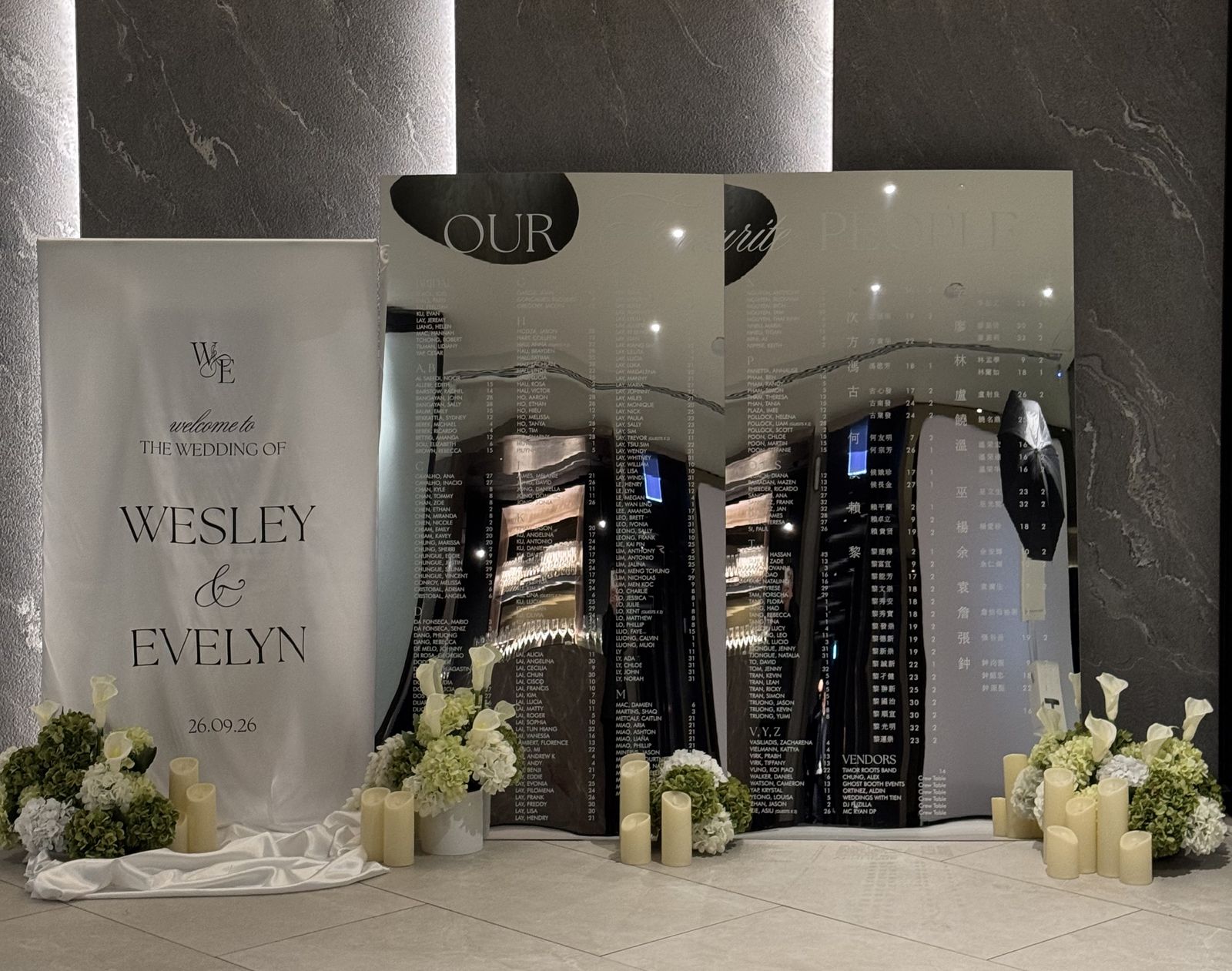
The hero photo at the top of this post shows the format: “Our favourite people” across the top of a mirror arch, the bridal party first, then letter headings running down each column.
How to lay out a by-table seating chart
- Start with the bridal table, then number the rest in order.
- Lay the blocks out in reading order: Table 1 top left, then across or down, matching how guests naturally read.
- Keep blocks the same height where possible, so the grid looks tidy even when table sizes differ.
- List names as guests know them: first name then surname reads naturally under a table heading.
- If you use table names instead of numbers, make sure the names on the chart match the signs on the tables exactly. Our wedding table numbers guide covers numbering and naming.
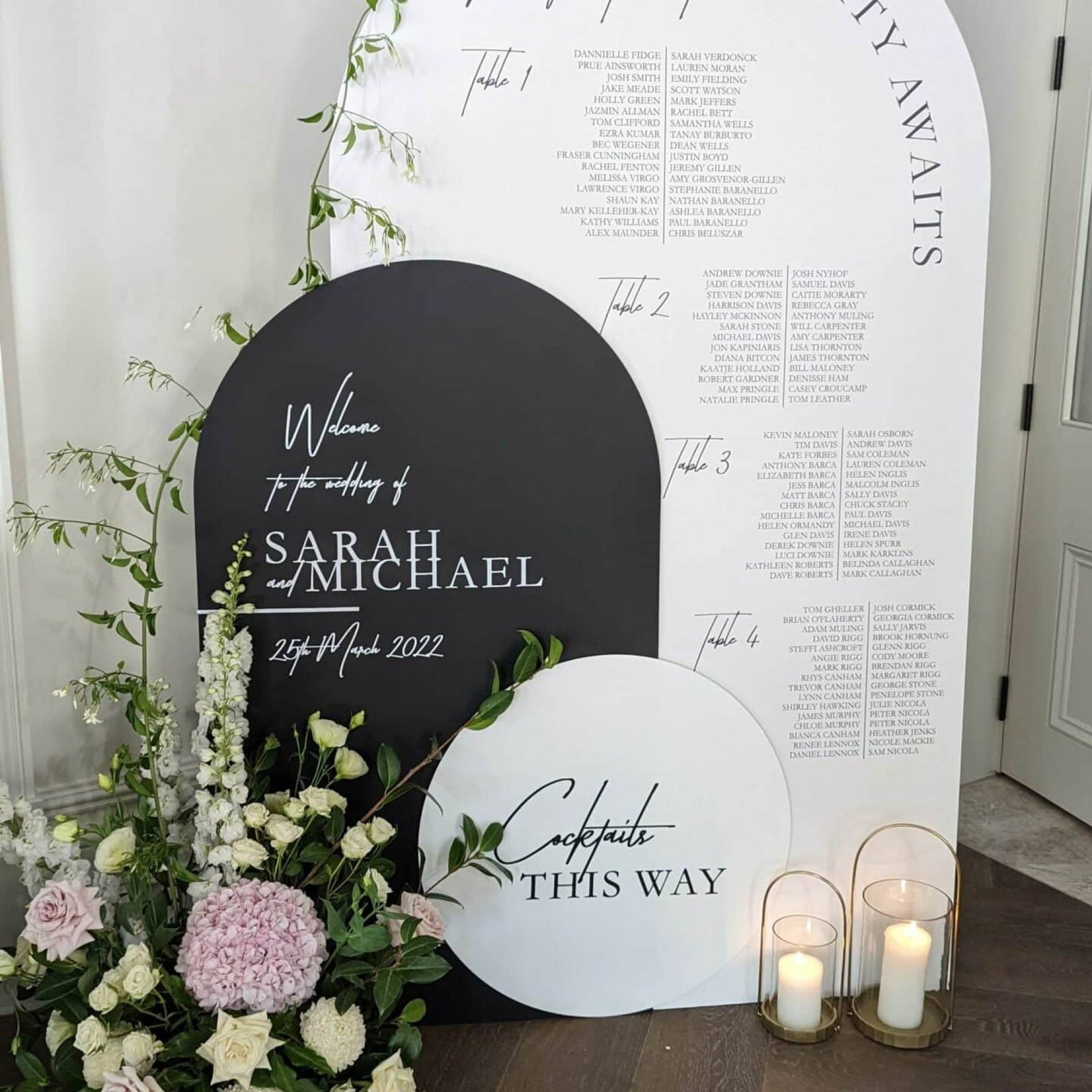
A by-table arch for a smaller guest list, styled with a matching welcome sign and a “Cocktails this way” directional sign.
Hybrid seating chart options
You do not have to pick one format purely. These hybrids solve most of the trade-offs.
Bridal table first, everyone else alphabetical
The most common hybrid, and the one you will see on most of the charts in our gallery. It keeps the speed of alphabetical while giving the wedding party pride of place.
Bride’s side and groom’s side
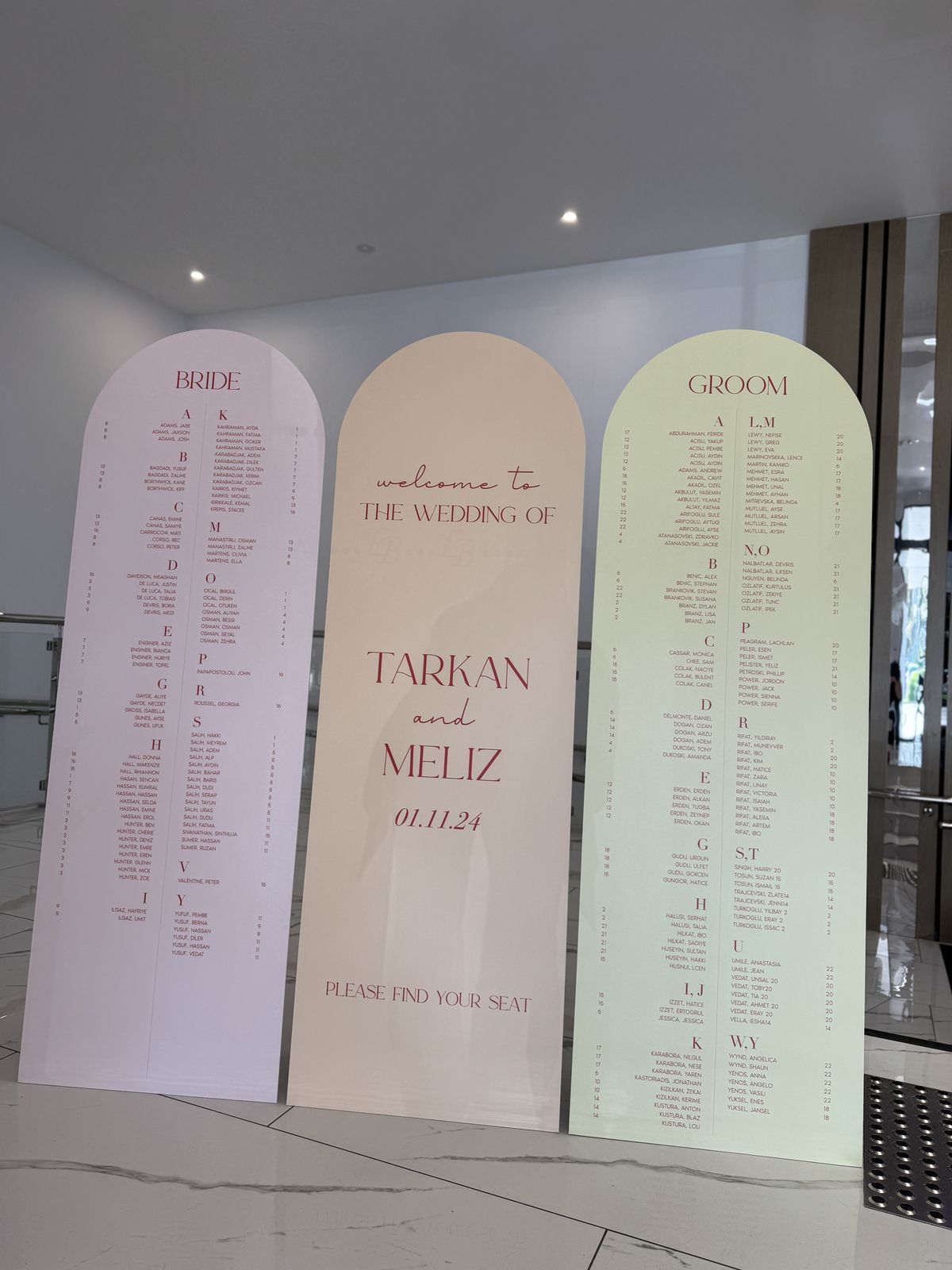
Split the chart into two panels, one for each side’s guests, with each panel alphabetical. Guests already know which side they belong to, so they halve the list before they start reading. A welcome panel in the middle ties it together.
Split by letter across pieces
Spread the alphabet across two panels, a set of pillars or several plinths. Each piece holds part of the list, so guests head straight for their letter and the crowd spreads out.
By-table chart, alphabetical QR
Keep a by-table chart as the styled piece for photos and conversation, and add a QR code so guests in a hurry can search their name on their phone instead. Just make sure the printed chart and the QR list match when the printed version is finalised.
Late RSVPs and last-minute changes
Every wedding has a late RSVP, a plus-one who turns into a no-show, or two tables that need to swap. How painful that is depends on the format and the medium.
Printed charts. Printed seating charts are finalised last, usually about 10 days before the wedding once RSVPs close. At Ghost Booth Events, names are proofed twice before cutting so nobody is misspelt on the day. After that, a change means editing the artwork and reprinting the panel.
- On an alphabetical chart, moving a guest to another table changes one number. Adding a guest means inserting a line in the right letter, which can push the column down.
- On a by-table chart, moving a guest means taking their name out of one block and adding it to another. Adding a guest is easy if there is space at the end of that table’s block.
Either way, leave a little breathing room at the end of each section so one late addition does not force a redesign.
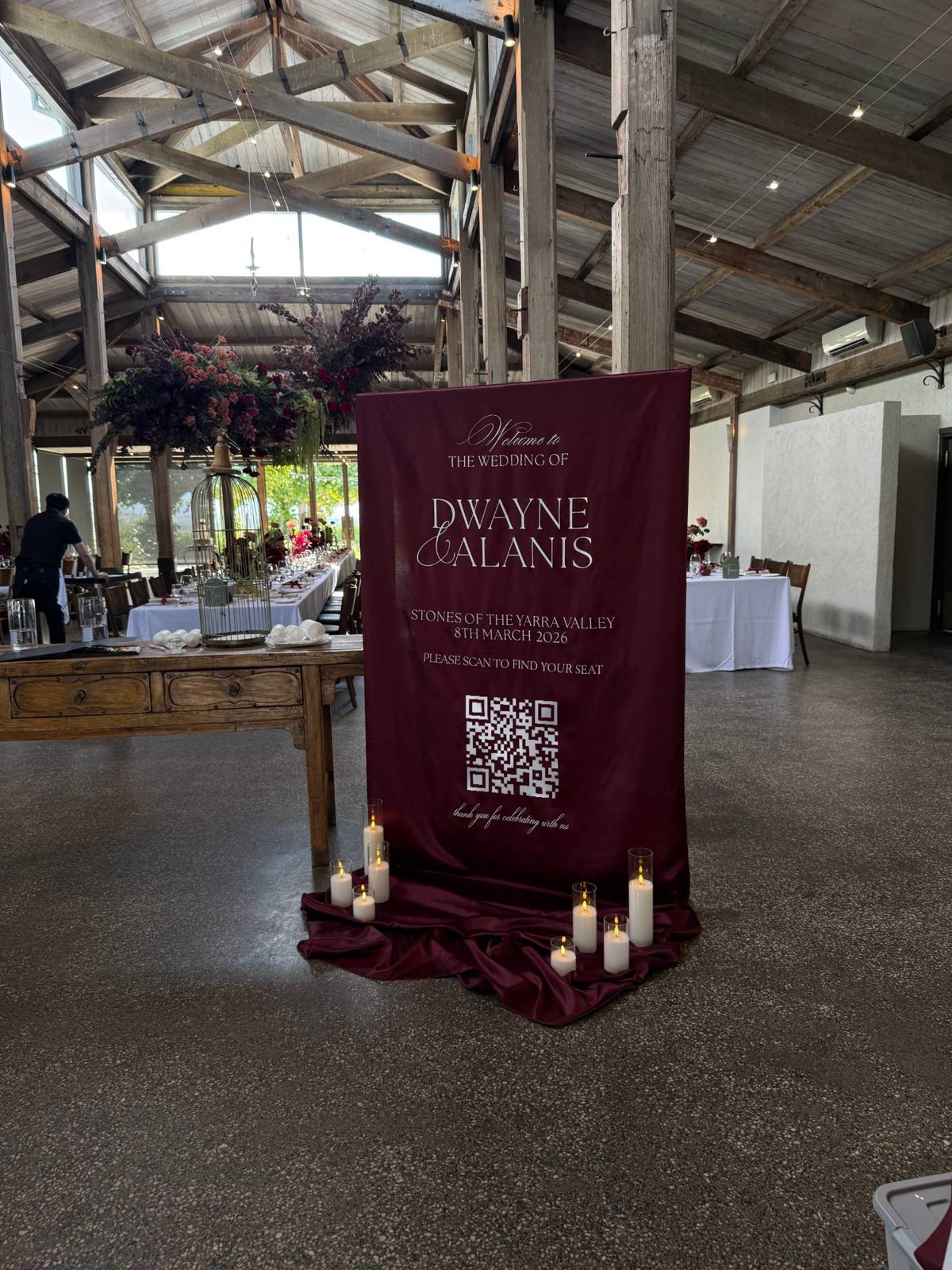
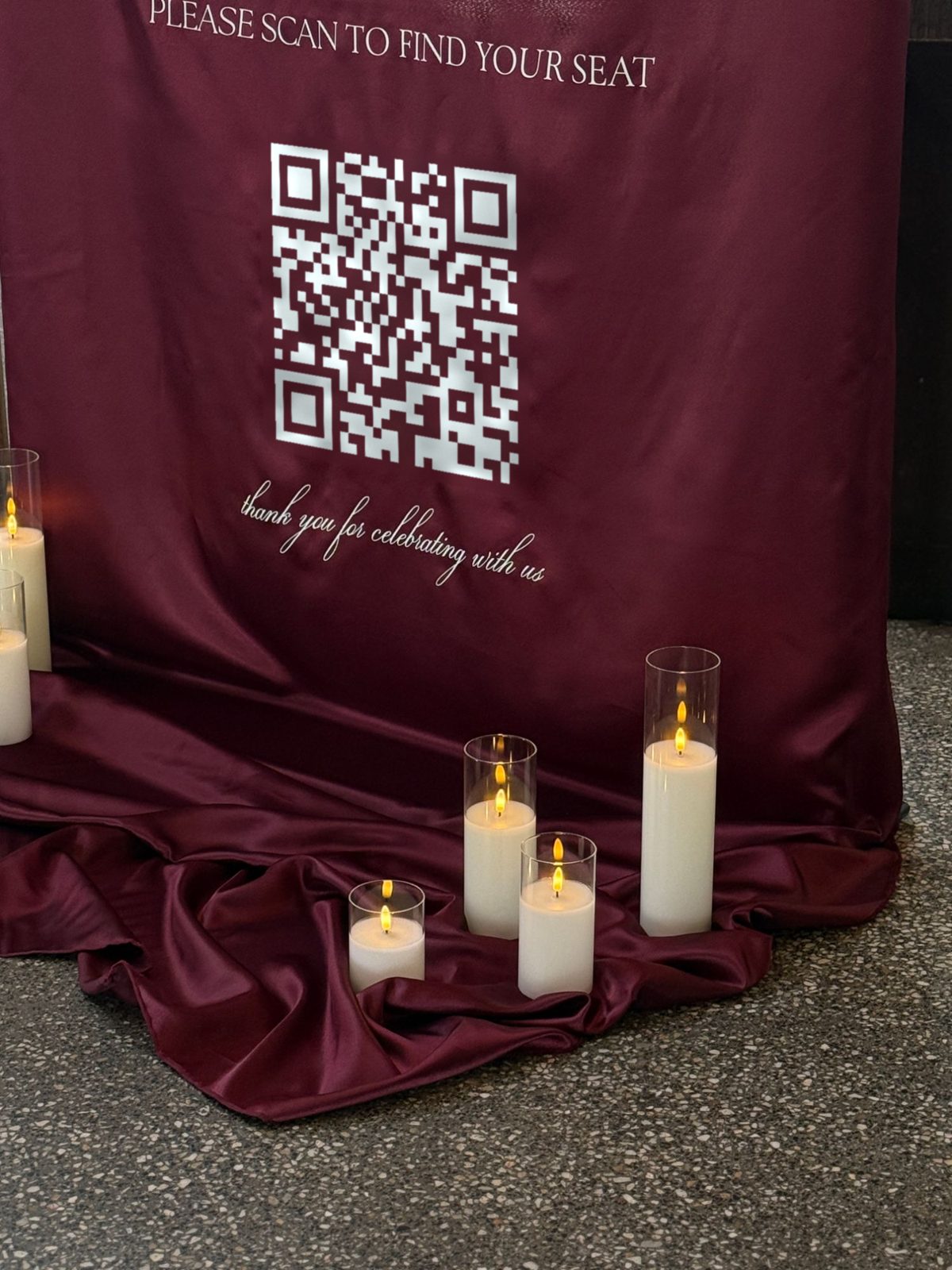
QR code seating charts. With a QR code seating chart, guests scan the sign, type their name and see their table. The QR code links to your live seating chart, so moving a guest or adding a late RSVP is an update to the list, not a reprint. You can send changes right up to the wedding, and because the seating stays editable, the sign can be printed before your RSVPs close. The display stays the same: your names, date and the code.
Our recommendation
If you have more than about 100 guests, go alphabetical with the bridal table first. If you have a small wedding where everyone knows each other, a by-table chart is warmer and just as quick. If your seating is still moving in the final fortnight, or you would rather not have a crowd around one board, choose a QR code chart and let the sign double as your welcome sign.
For design inspiration in either format, browse our wedding seating chart ideas, and for the signs either side of it, see our wedding welcome sign ideas. Materials are compared in acrylic vs mirror vs fabric wedding signs, and our wedding signage Melbourne guide covers timing and placement.
Ghost Booth Events designs seating charts in acrylic, mirror, satin, linen and foamboard, with signage packages from $500. Send us your guest list, even if it is not final, and we will suggest the layout that suits your numbers.
Seating chart format questions
Is an alphabetical seating chart better than a table seating chart?
For most medium and large weddings, yes. Guests only need to find their own surname and read the number beside it. A by-table chart suits small weddings where there are only a few tables and guests enjoy seeing who they are sitting with.
Should I list guests by first name or surname?
On an alphabetical chart, list by surname first (for example "Smith, Jordan") so it sorts properly and families sit together in the list. On a by-table chart, first name then surname reads more naturally under each table heading.
Where does the bridal table go on a seating chart?
At the top, before everyone else, on either format. It gives the chart a natural heading and removes the wedding party from the main list.
What happens if someone RSVPs after the chart is printed?
With a printed chart, the artwork has to be edited and the panel reprinted, which is why printed charts are usually finalised about 10 days before the wedding. With a QR code seating chart, a late RSVP is simply added to the live list and the printed sign stays the same.